


GAN Smart Timer
GAN Smart Timer
Couldn't load pickup availability
Pay with ease and secure
Description
Description
Cube Timer – Precision Timing for Speedcubing
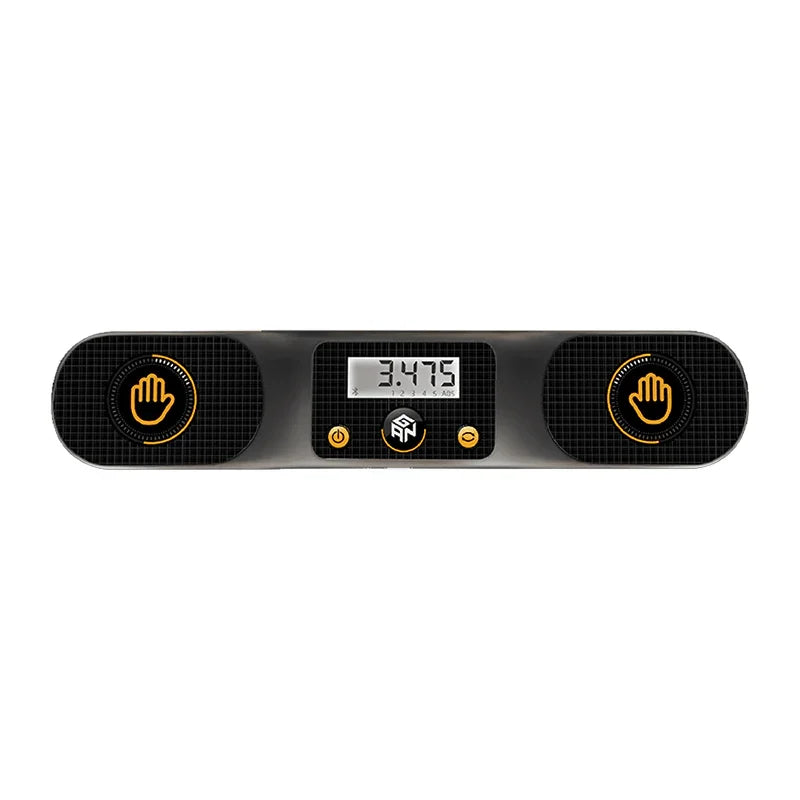
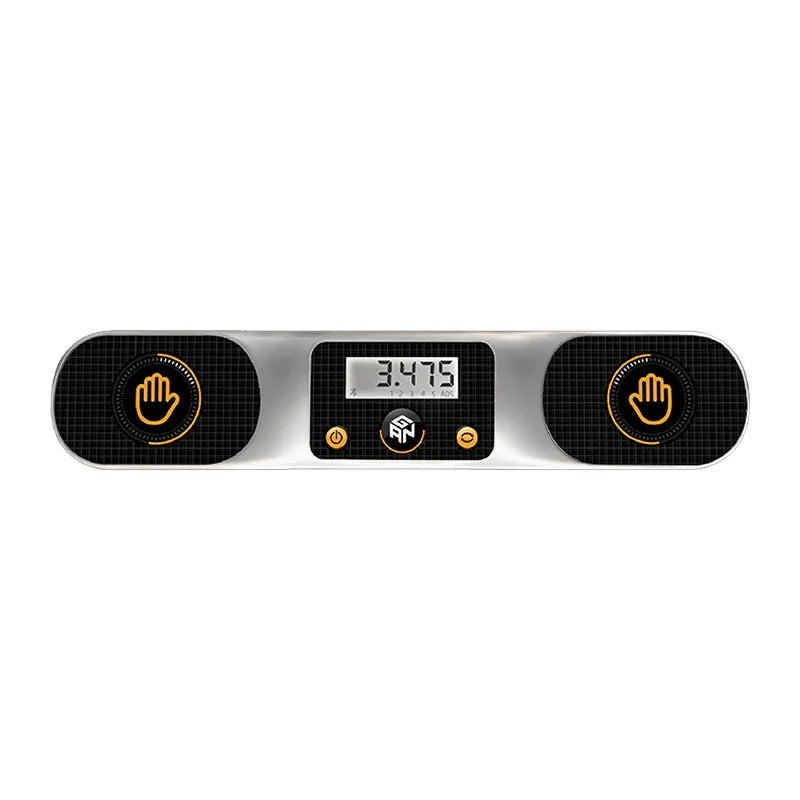
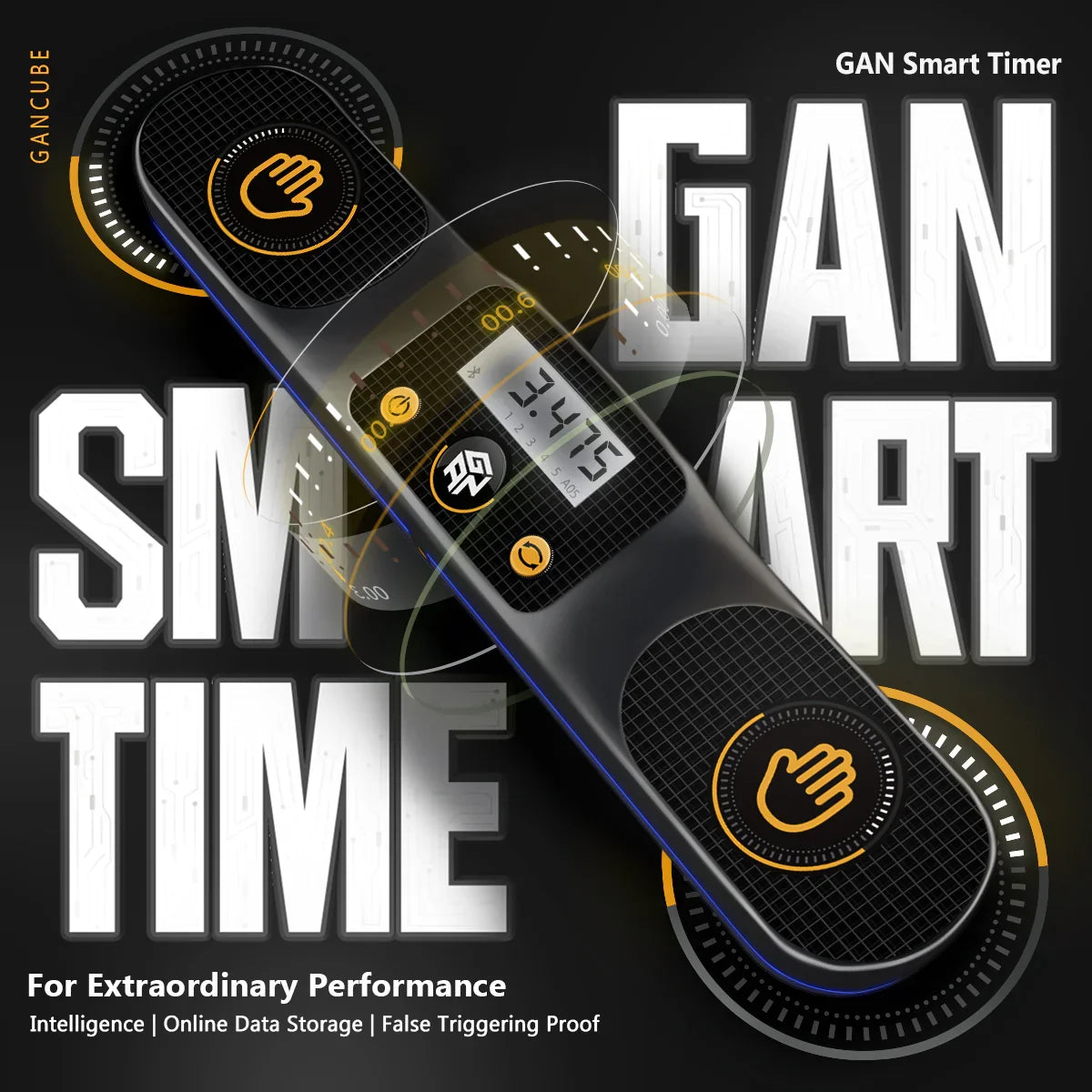
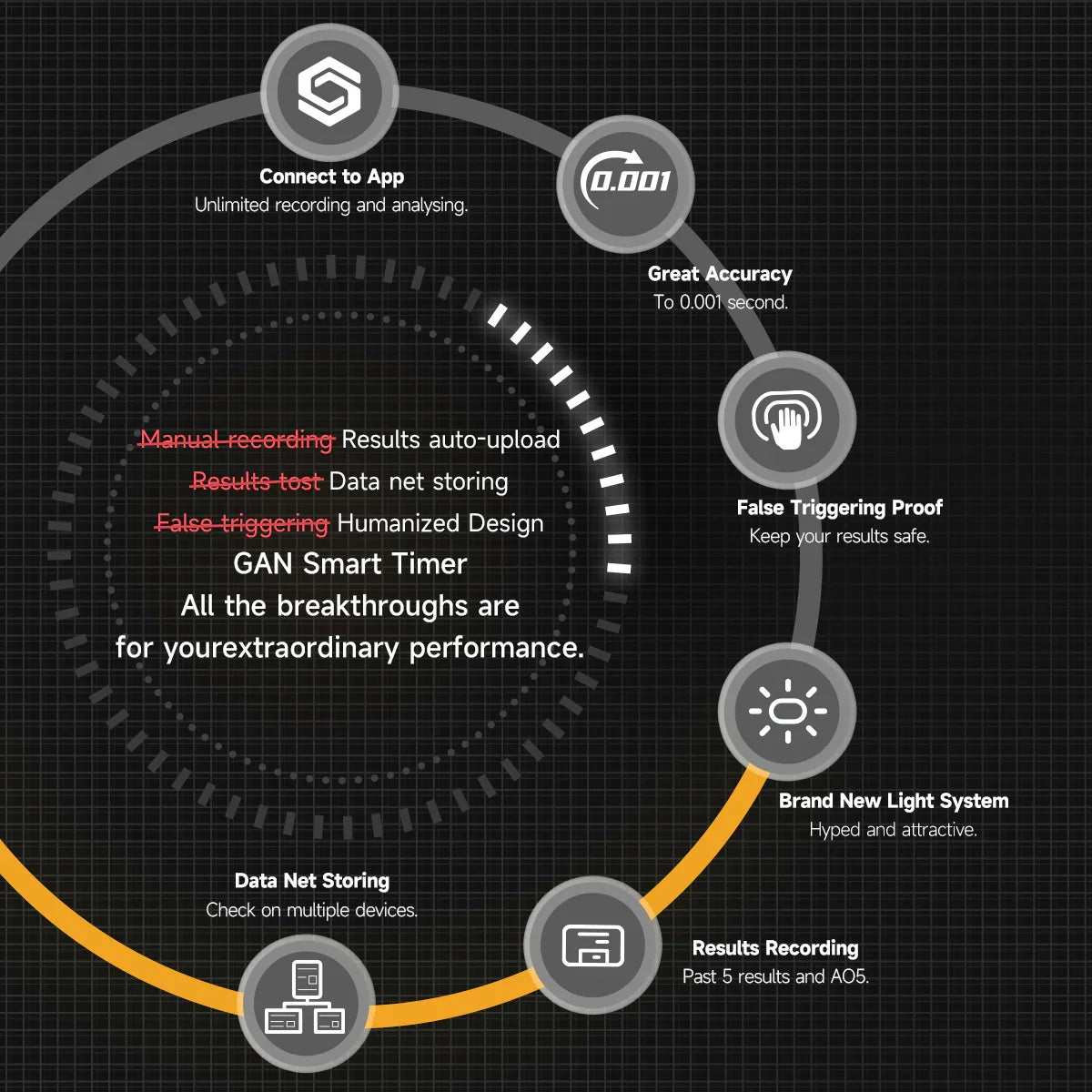
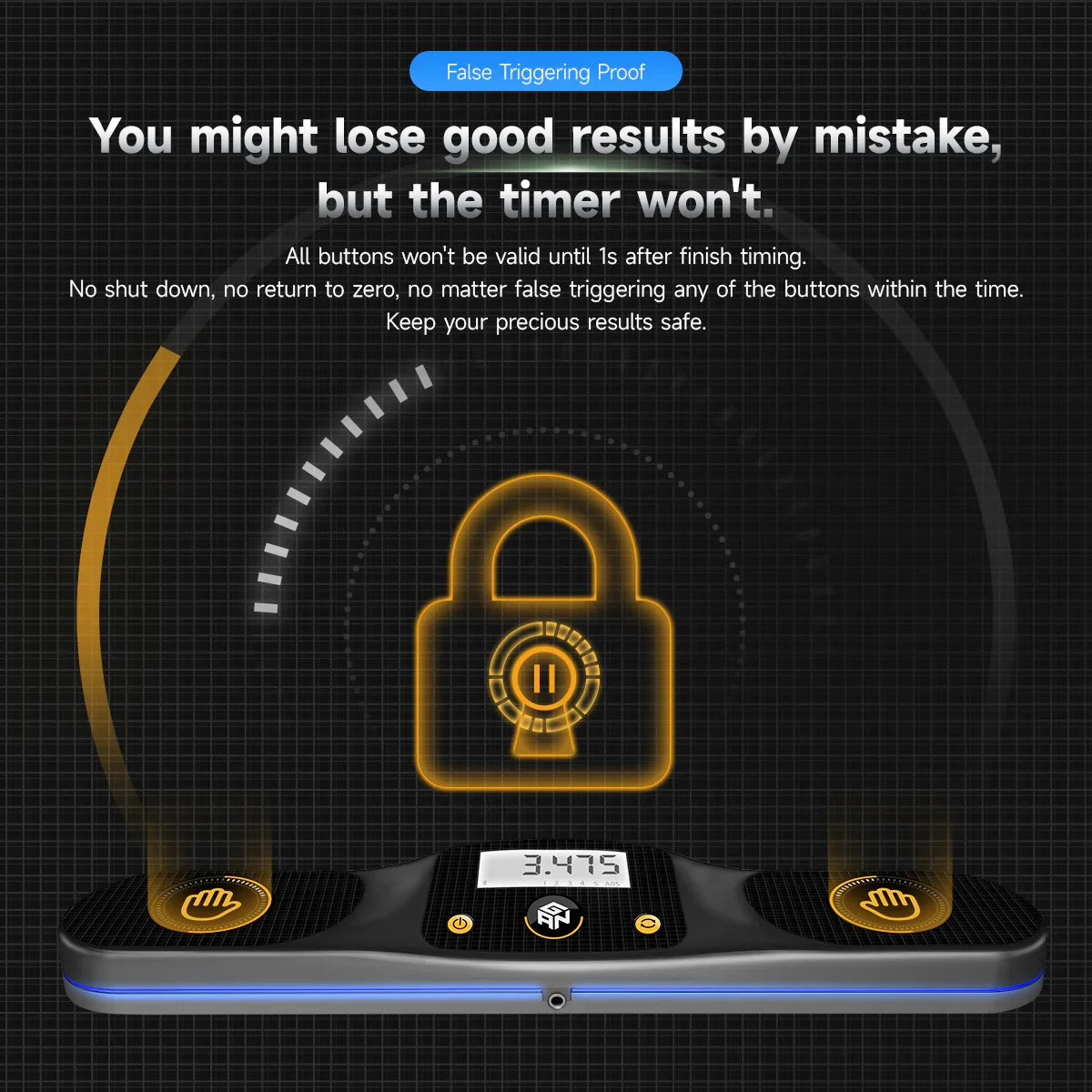
- This Cube Timer buttons will "freeze" for 1 second after a solve is completed to prevent accidental resets.
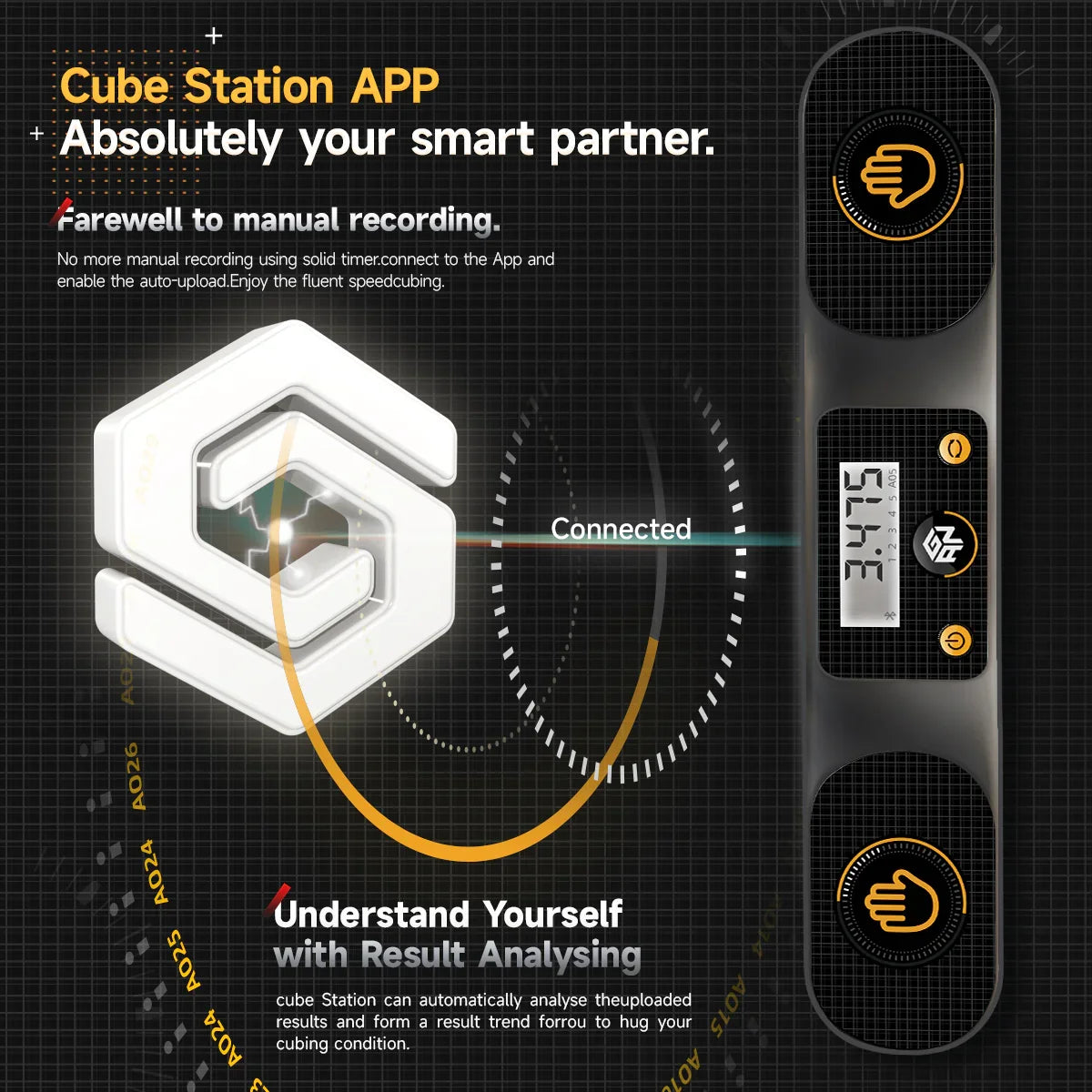
- Solves can automatically sync to your Cube Station app to be accessed across multiple devices.
- Mounting screws are not included with the GAN Smart Timer
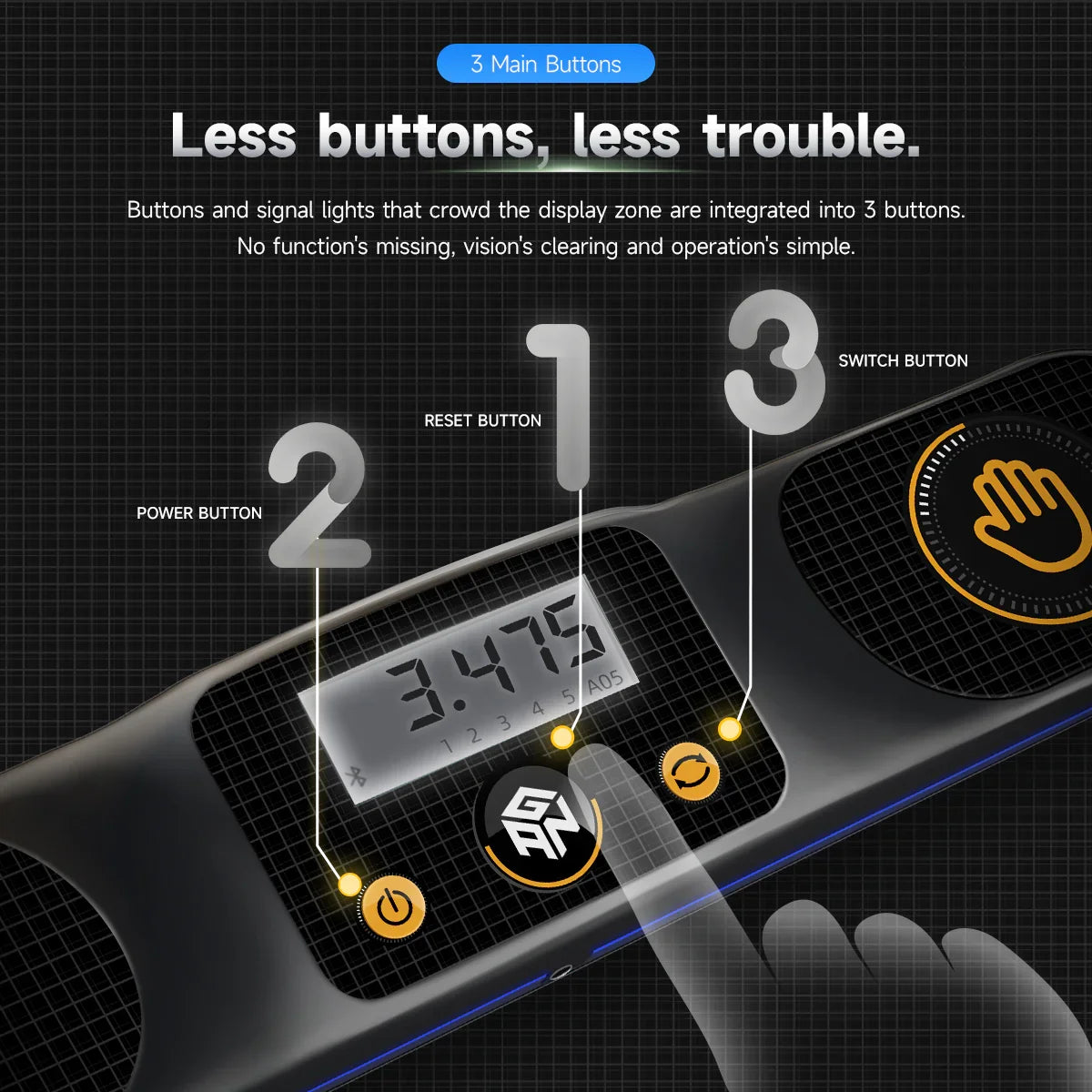
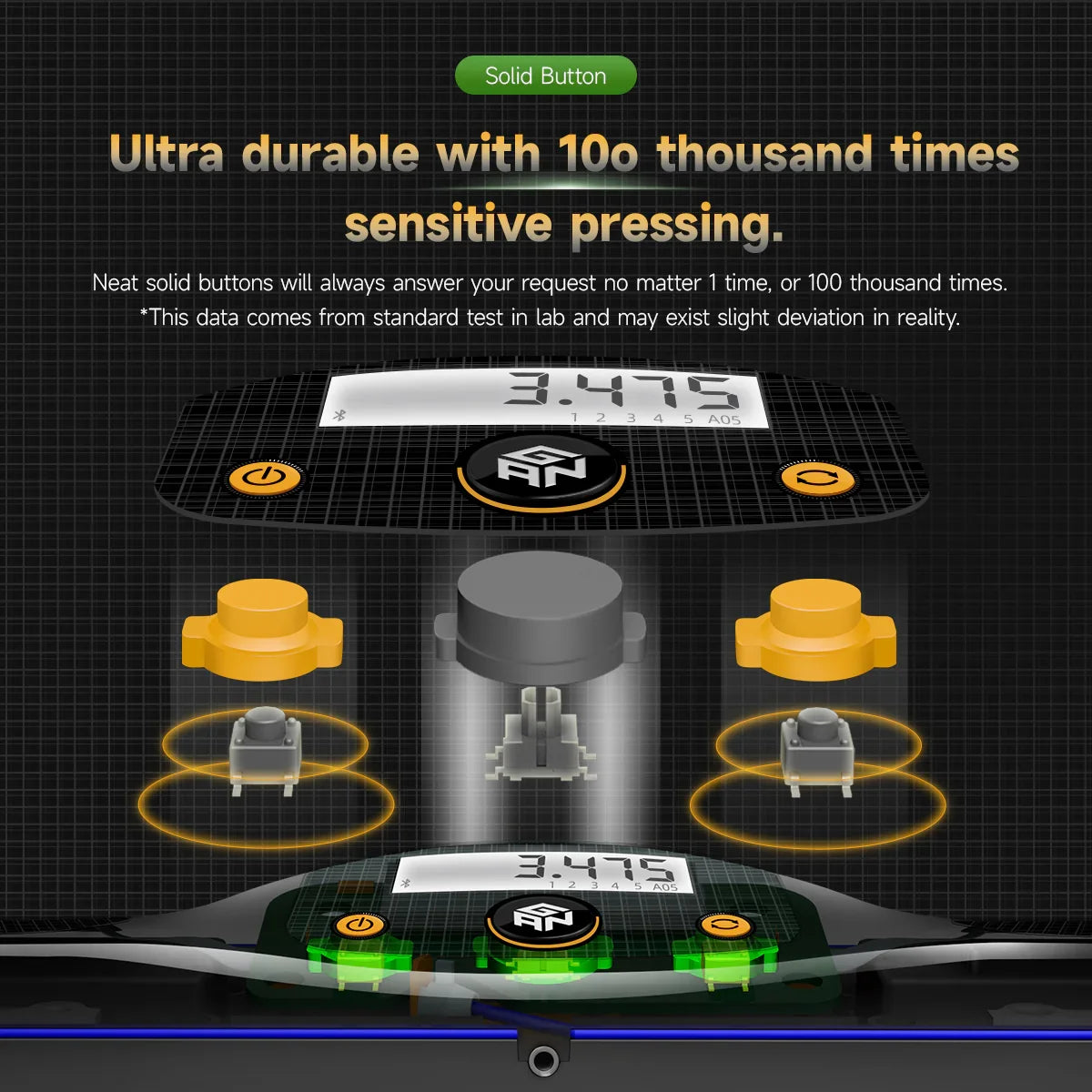
- Durable with high-quality buttons.
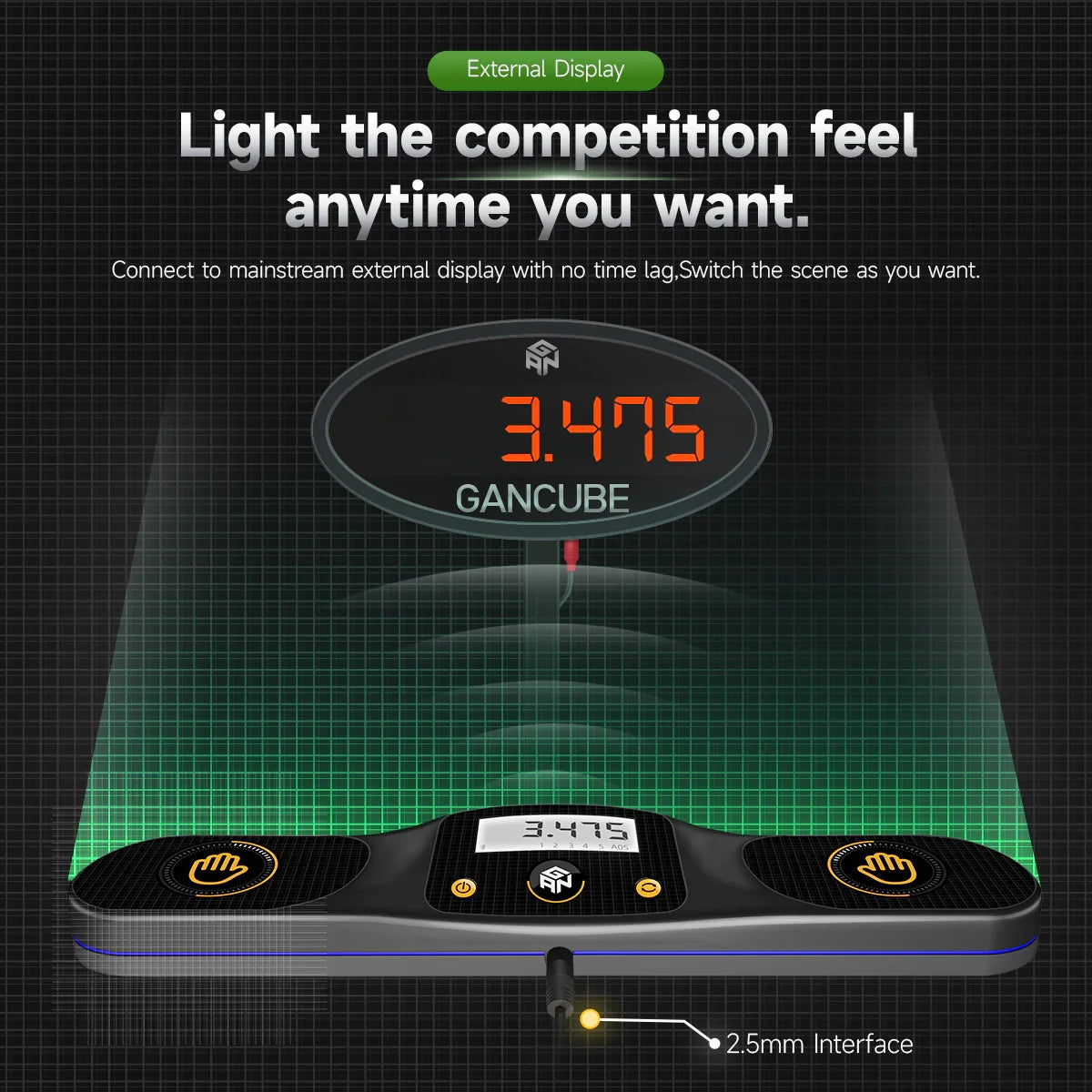
- 2.5mm auxiliary output.
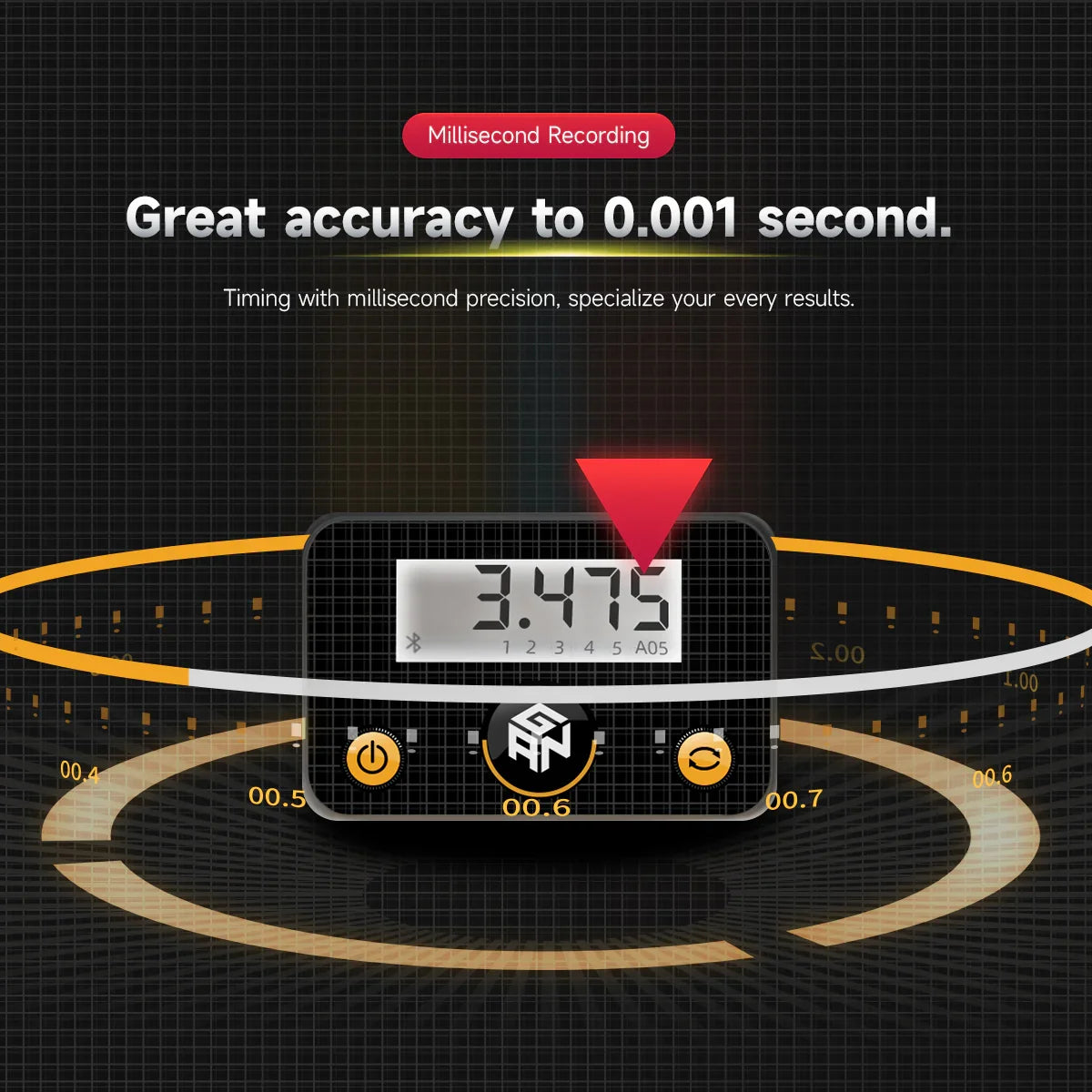
- Records averages of 5.
-
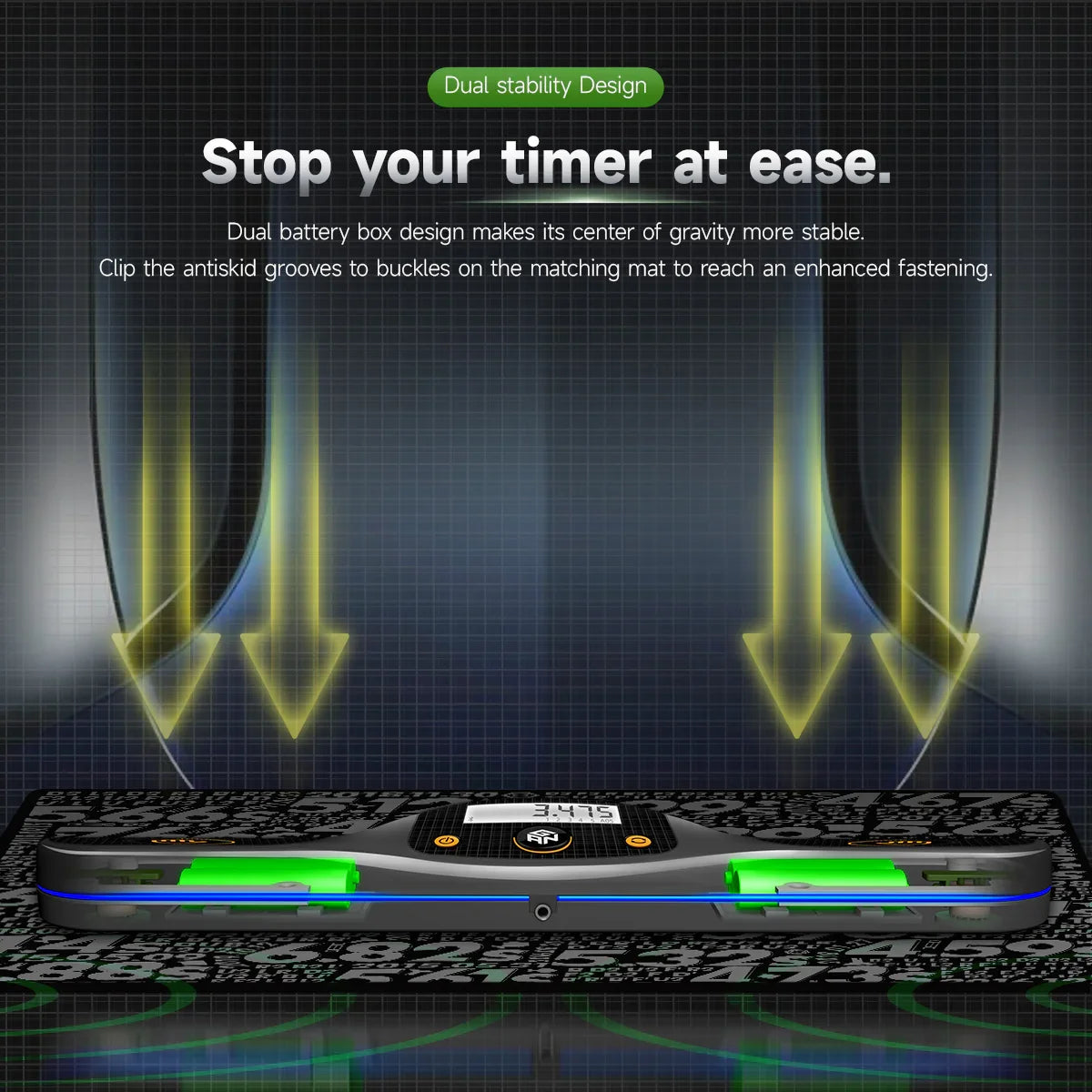
The GAN Smart Timer is compatible with the GAN12 ui Training Mat.
- Compatible with GAN smart cubes and Cube Station app.
*Batteries not included. M2 or M3 screwdriver needed to open the battery compartment*


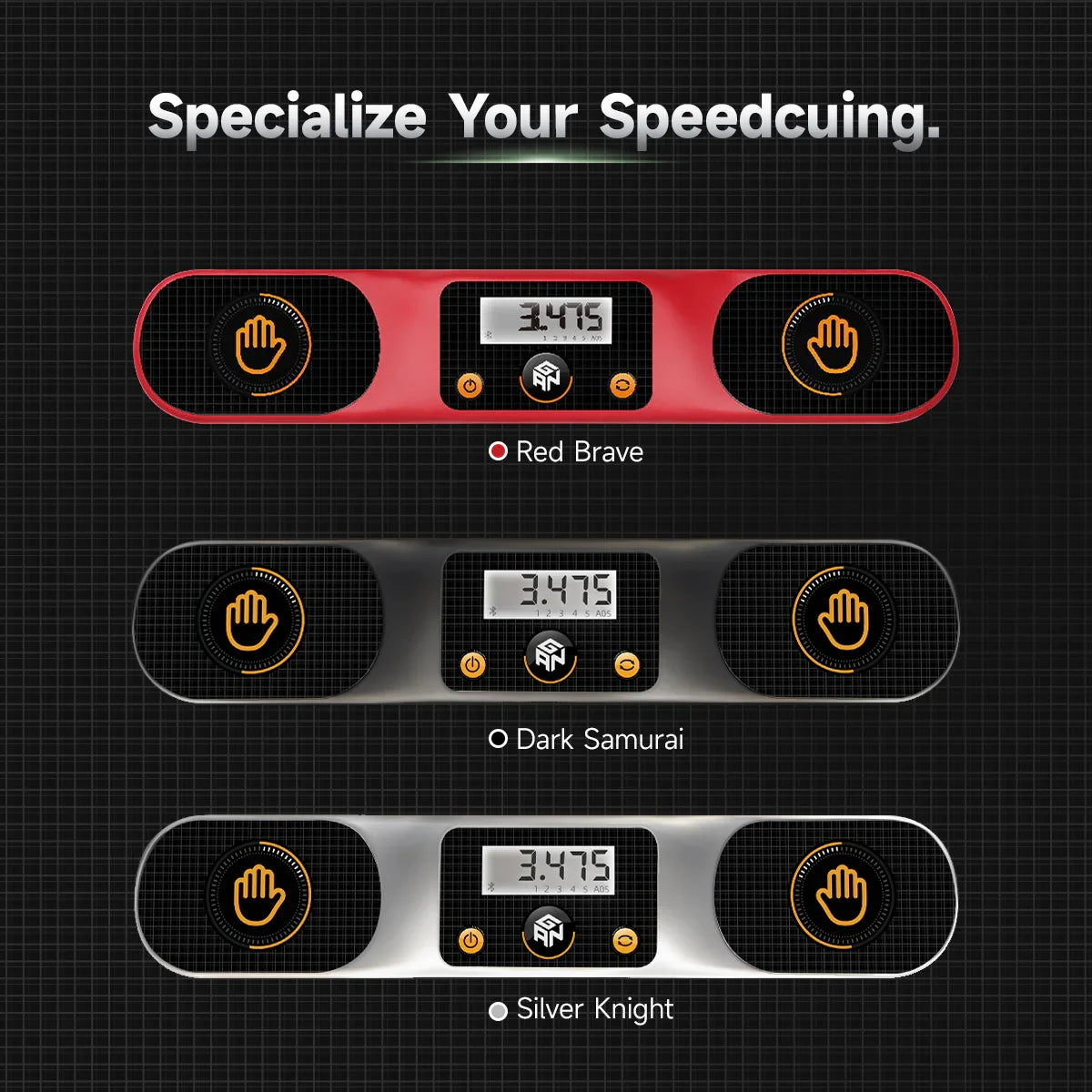


GAN Smart Timer
Frequently Asked Questions
Does the GAN Smart Timer need to connect to CubeStation to work?
Does the GAN Smart Timer need to connect to CubeStation to work?
No. The timer can be used independently for normal timing. We only require a CubeStation connection when you want to upload, store, and analyze an unlimited number of solve results.
How do we connect the GAN Smart Timer to CubeStation?
How do we connect the GAN Smart Timer to CubeStation?
Turn on the timer and your phone’s Bluetooth, open CubeStation, select Smart Cube or Regular Cube mode, and choose GAN Smart Timer from the device list. The connection is complete when the Bluetooth icon stops blinking and stays on.
How many solve results can the GAN Smart Timer store?
How many solve results can the GAN Smart Timer store?
The timer itself automatically stores the most recent five results and the corresponding AO5. When connected to CubeStation, solve results can be uploaded and stored for ongoing analysis without the timer’s local five-result limit.
What batteries does the GAN Smart Timer use?
What batteries does the GAN Smart Timer use?
We use four 1.5V AAA alkaline batteries. Do not mix old and new batteries or different battery types, and remove depleted batteries promptly.
How does the GAN Smart Timer prevent accidental inputs during timing?
How does the GAN Smart Timer prevent accidental inputs during timing?
We use an anti-mis-trigger function that disables all buttons while timing is active and for one second after the timing ends, helping prevent accidental presses from affecting solve results.